Prompt to .app
Build Mac apps from scratch
or start from a template.
Go from prompt to native Mac app/game, ready to go.
Try our free demos, no card needed. Paid plans from $29/mo.
- 1.Build
- 2.Download
- 3.Test

Build apps and games from over 80 templates.
Every template is a real app that came out of SiliconDevKit. Pick the closest one, then tell us what to change in a sentence or two: a new feature, a different look, another name. You get your own version in about a minute, and you can keep refining it. Or download the original and read the prompt that made it.
 PlayTubeAd-free video playerEditor's pick
 AI poweredAdMuteMutes ads automaticallyEditor's pick
 Toob-DownerVideo downloader with a queueEditor's pick
 AI poweredText to Speech (TTS)Text to speechEditor's pick
 AI poweredLocal AI Image GenText to imageEditor's pick
 Screenshot + AutoBlurHide private infoEditor's pick
 AI poweredComputer UseControl your Mac by chatEditor's pick
 AI poweredShot to SiteScreenshot to web pageEditor's pick
 RawliteRAW photo editorEditor's pick
 AI poweredSweepSmart Mac cleanerEditor's pick


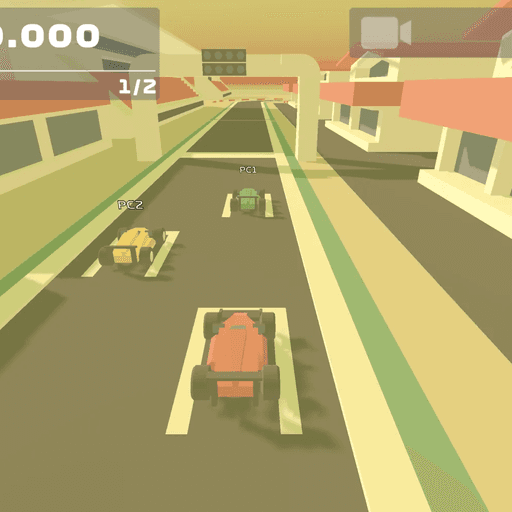
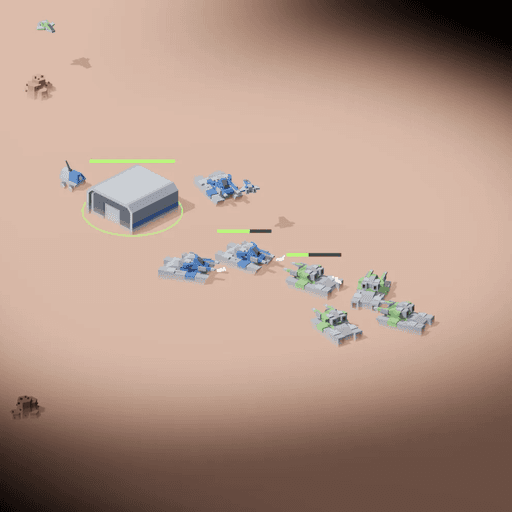
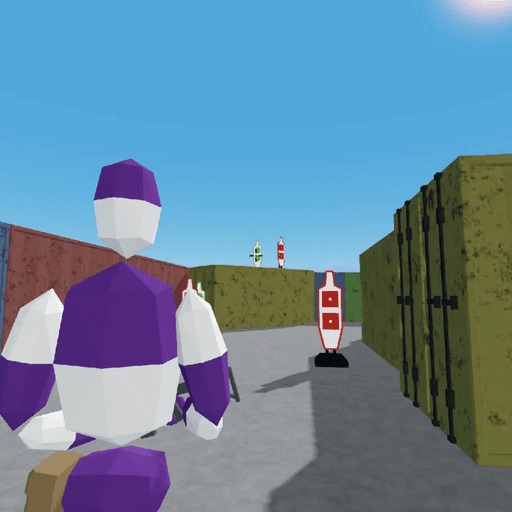
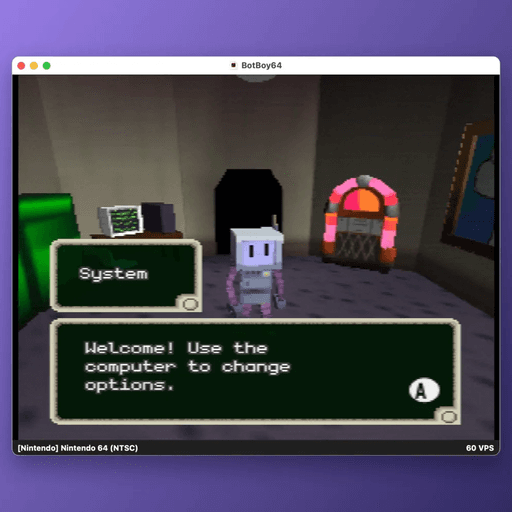
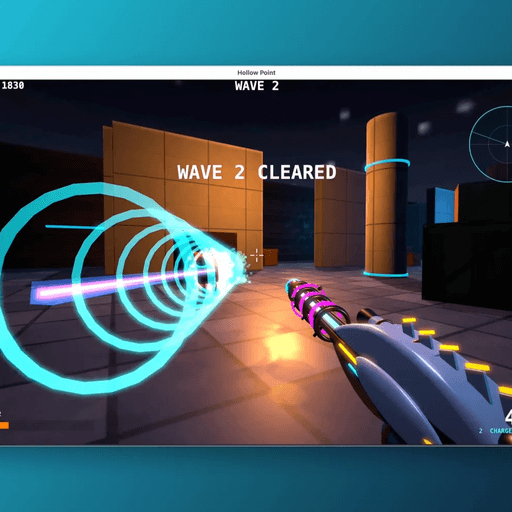
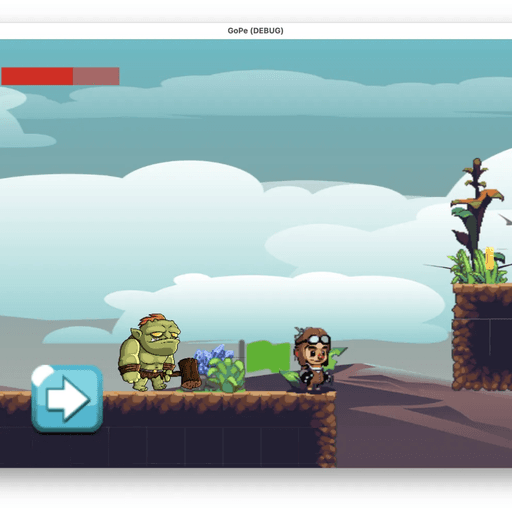
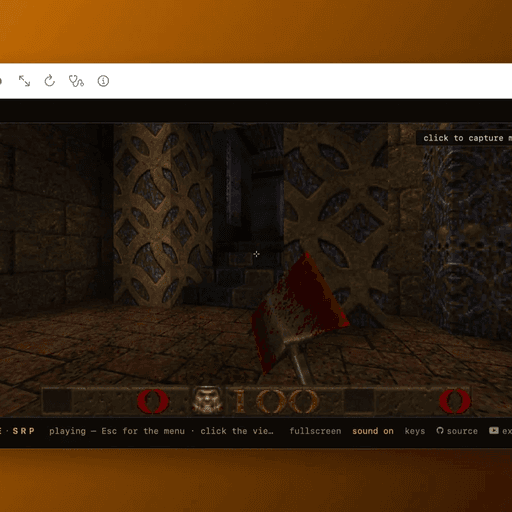
What you actually get.
- Real Mac apps.
- SwiftUI, compiled with Apple's own toolchain. It sits in your Applications folder and runs like any other Mac app. It is not a web page in a frame.
- No Swift required.
- Describe the app in plain English. The desktop app writes the Swift for you and builds it on your Mac. You never have to learn Xcode or write code yourself.
- Chat for awhile.
- Send another message to add a setting, fix a bug or rename a button. It rebuilds and you download the new version. (Full access plan.)
- Straight about signing.
- Apps are ad-hoc signed, not notarized, so macOS asks you to approve them once. We show you how, and give you a script to sign and notarize with your own Apple account.
Start free. Ask for more when you need it.
Free
$0
- Build and download five sample apps from the template gallery
- A simulated build, so you see the whole flow
- Real, working .app files
Paid plans
From $29/mo
- Describe any Mac app or game, in your own words, or start from a template
- Real builds, not samples. Starter, Pro and Studio differ in monthly credits (from 1,500)
- Follow-up messages to change your app, with every version saved
- Higher plans add batch builds, source download and GitHub sync
Questions, answered.
Do I need a Mac?
Yes. Coding on a Mac in the cloud is feasible, but it is not something we offer today. The apps and games you build are Mac apps, so you need a Mac with Apple silicon (M1 or later) and macOS 13 or later to run them. If you don't already have one, a Mac mini starts around $599.
What can it build?
Native Mac apps and games written in SwiftUI: menu bar tools, utilities, recorders, notes, small games and visual toys. Apps can ask for the microphone, camera and location. It is not for apps that need your own server or an account system.
Is the app safe to open?
The first launch shows a macOS warning, because the app is not notarized by Apple. The docs walk you through approving it. Read the prompt and try it on your own Mac first.
How long does a build take?
Usually about a minute. Our measured builds took between 8 and 45 seconds, and a bigger request takes longer.
Who owns the app?
You do. You may use it for any lawful purpose. See the terms for the details.
Can I put it on the Mac App Store?
Not as it comes. The App Store needs extra steps: sandboxing, your own Apple developer account and a signed package. The docs list them.
What does it cost?
The free plan builds five sample apps. The paid plans, where you describe anything, start at $29 a month (Starter $29, Pro $79, Studio $199; they differ in monthly credits and features), and you can cancel anytime. See the pricing page.
Describe it. Get a Mac app or game.
Your first build takes about a minute.
Try it free