
Image
Sketch Diffusion
Generate images from text with Stable Diffusion, on your Mac.
Get for Mac.dmg · 624 KB · or download .zip
- Category
- Image
- Requires
- macOS 14+
- Size
- 624 KB
- Price
- Free
Preview
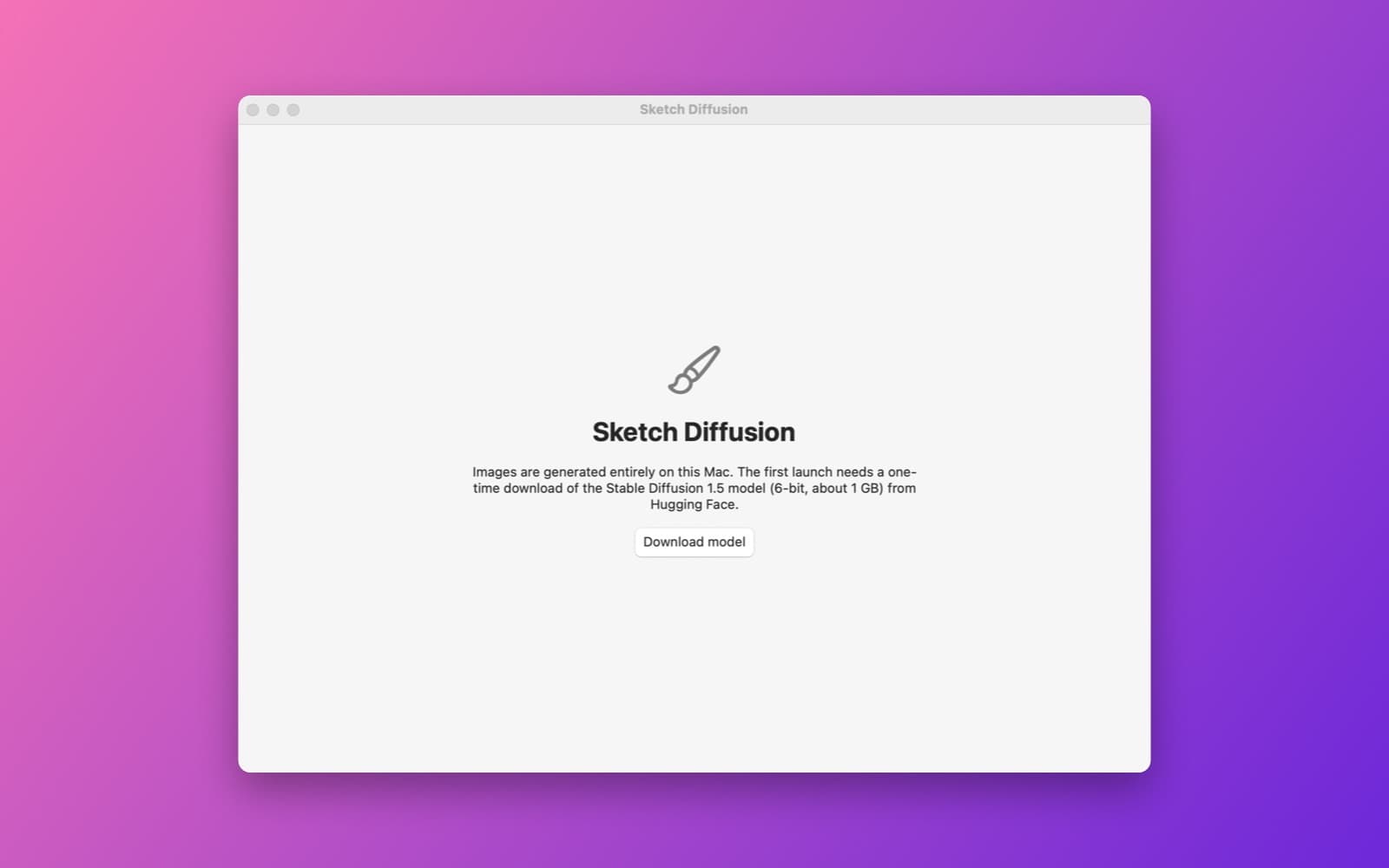
About Sketch Diffusion
Sketch Diffusion makes images from a text prompt using Stable Diffusion 1.5 running on your Mac, with no cloud service.
What it does
- One-time model download. The app itself is small. On first launch it downloads the quantized (6-bit) Stable Diffusion 1.5 Core ML model, about 1 GB, from Hugging Face, with a Download button and progress. The model is not inside the app.
- Prompt controls. A prompt and negative prompt, seed with a Random button, steps and guidance scale.
- Results. A live preview while it generates, a grid of results for the session, and save as PNG.
Notes
You need an internet connection for the first launch and about 1 GB of free space. It uses Apple's open-source ml-stable-diffusion package. This demo was compiled and launched, but image generation itself has not been tested end to end.
Information
- Developer
- SiliconDevKit (generated by AI from a prompt)
- Category
- Image
- Compatibility
- macOS 14 or later, Apple silicon. Apple silicon Macs only (M1 or later), not Intel
- Size
- 624 KB (.dmg)
- Version
- 1.0
- Price
- Free
- Signing
- Ad-hoc signed, not notarized
The prompt behind it
This app was generated from the prompt below. Paste it into SiliconDevKit to build your own version, then change it however you like.
Build a macOS app called Sketch Diffusion that generates images locally with Stable Diffusion 1.5, using a quantized (6-bit palettized) Core ML version. Add Apple's open-source Swift package https://github.com/apple/ml-stable-diffusion as a dependency and use its StableDiffusionPipeline with MLModelConfiguration computeUnits set to .cpuAndGPU (not the Neural Engine, whose first compile of this model can take over ten minutes) and reduceMemory on. On first launch, download the model files from Hugging Face (the apple/coreml-stable-diffusion-v1-5 palettized split_einsum compiled variant) into Application Support with a progress bar, a Cancel button and a Delete model button, then reuse them offline. The main window has a prompt field, a negative prompt field, a seed field with a Random button, steps (default 20), guidance scale, a Generate button with a live step progress bar and a preview that updates while it runs, and a grid of results for this session. Save images as PNG with the prompt and seed in the file name, copy to clipboard, and show a clear message if the download or the model fails to load. Everything runs on the device after the first download.
Opening it for the first time
- Open the .dmg and drag Sketch Diffusion onto the Applications folder.
- Open it from Applications. macOS may say it can’t check the app for malicious software. Click Done.
- Open System Settings → Privacy & Security and click Open Anyway. This is needed once. Why this happens. To share an app without the warning, see how to notarize it.


