
Video
SwiftEditor
An open-source video editor, extended with a Remove Background effect.
Get for Mac.dmg · 4.2 MB · or download .zip
- Category
- Video
- Requires
- macOS 15+
- Size
- 4.2 MB
- Price
- Free
Preview
About SwiftEditor
This is a special demo. Instead of starting from nothing, SiliconDevKit was asked to take an existing open-source project, SwiftEditor by mhadifilms, add a feature to it, and deliver a working app.
What it does
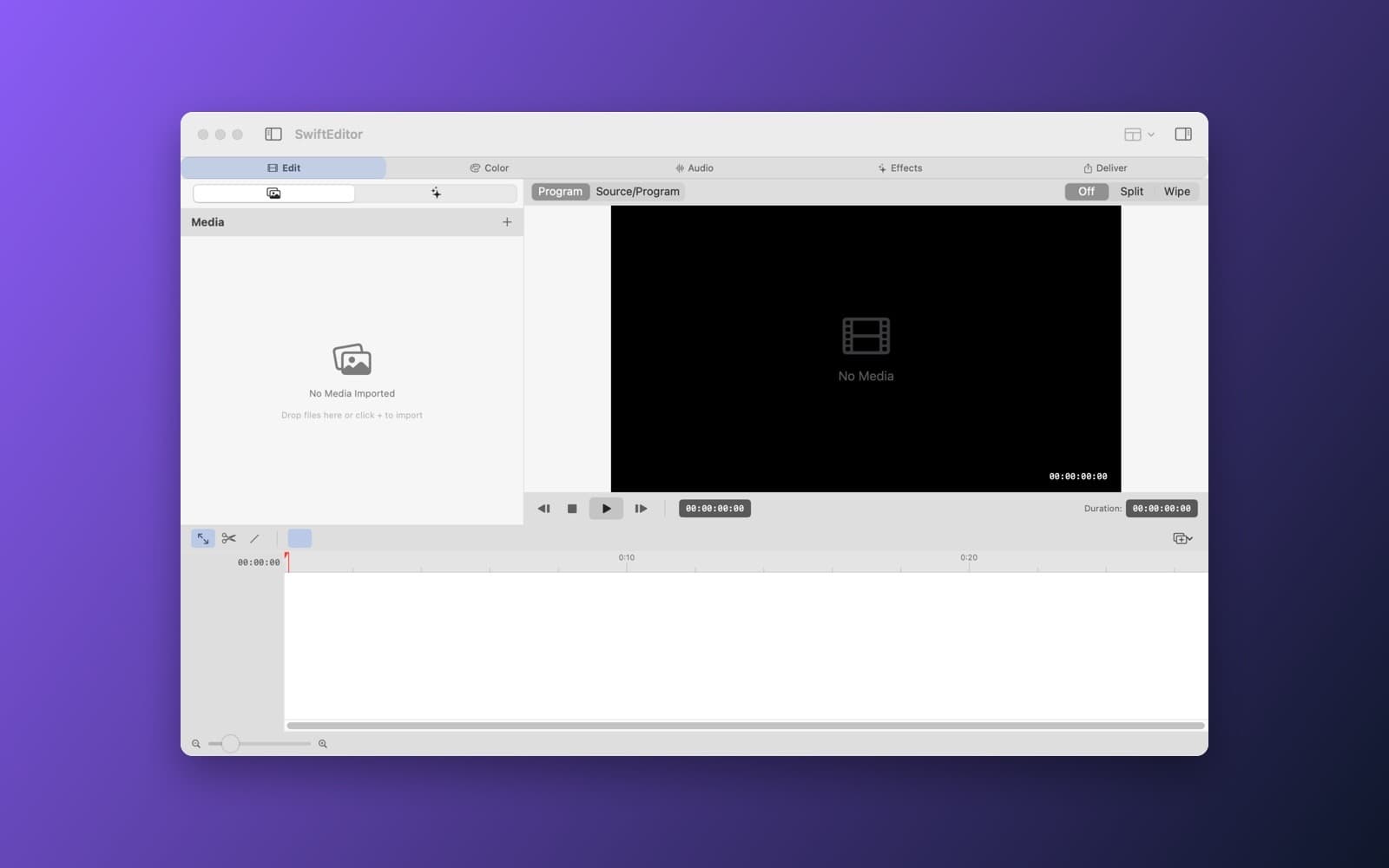
- A video editor. The Edit, Color, Audio, Effects and Deliver workspaces, a media pool, a timeline and a preview, all from the original project.
- Remove Background. A new video effect added to the effects list and inspector, built on Apple's Vision framework, with subject tracking and adjustable edge softness, blur and replacement background.
- Everything else is unchanged. The existing features were kept working.
Notes
The original project is open source and credited to its author. The Remove Background effect was written by an AI model from one prompt and has not been tested on a full range of footage. The app needs macOS 15 or later.
Information
- Developer
- SiliconDevKit (generated by AI from a prompt)
- Category
- Video
- Compatibility
- macOS 15 or later, Apple silicon. Apple silicon Macs only (M1 or later), not Intel
- Size
- 4.2 MB (.dmg)
- Version
- 1.0
- Price
- Free
- Signing
- Ad-hoc signed, not notarized
The prompt behind it
This app was generated from the prompt below. Paste it into SiliconDevKit to build your own version, then change it however you like.
Use the existing repo https://github.com/mhadifilms/swifteditor and add a “Remove Background” effect for video using Apple Vision/Core ML, with automatic subject tracking and adjustable edge softness, blur, and replacement background. Clone the repo, keep its existing features working, wire the new effect into the app's effects list and inspector, and build the SwiftEditor app so it runs as a finished .app.
Opening it for the first time
- Open the .dmg and drag SwiftEditor onto the Applications folder.
- Open it from Applications. macOS may say it can’t check the app for malicious software. Click Done.
- Open System Settings → Privacy & Security and click Open Anyway. This is needed once. Why this happens. To share an app without the warning, see how to notarize it.


