
AI agents
Agent Deck
A Mac control room for AI coding agents.
Get for Mac.dmg · 1.4 MB · or download .zip
- Category
- AI agents
- Requires
- macOS 13+
- Size
- 1.4 MB
- Price
- Free
Preview
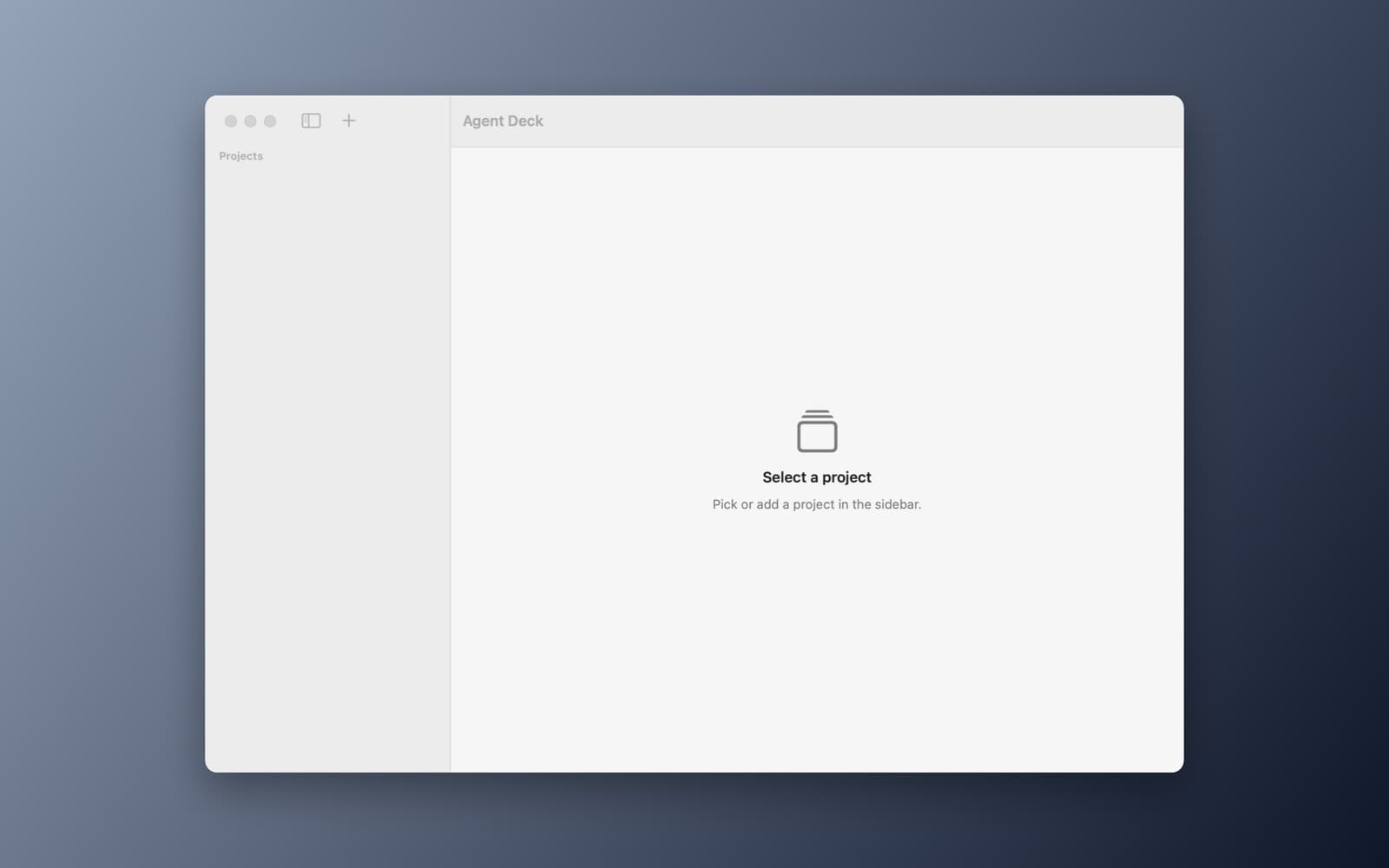
About Agent Deck
A Mac control room for AI coding agents.
What it does
- Sessions and usage. Reads Claude Code session files for tokens and estimated cost, with charts per day and per project.
- Live processes. Shows running claude, codex, gemini and cursor-agent processes.
- Review and context. A Git diff viewer with approve and reject per file, and an editor for CLAUDE.md, AGENTS.md and rules files.
Notes
Everything is read from local files and runs offline. Cost figures are estimates from an editable price table. This demo was compiled and launched; it has not been tested against a large session history.
Information
- Developer
- SiliconDevKit (generated by AI from a prompt)
- Category
- AI agents
- Compatibility
- macOS 13 or later, Apple silicon. Apple silicon Macs only (M1 or later), not Intel
- Size
- 1.4 MB (.dmg)
- Version
- 1.0
- Price
- Free
- Signing
- Ad-hoc signed, not notarized
The prompt behind it
This app was generated from the prompt below. Paste it into SiliconDevKit to build your own version, then change it however you like.
Build a macOS app called Agent Deck, a control room for AI coding agents. The sidebar lists projects: add a project by choosing a folder, and also discover projects automatically from the folders under ~/.claude/projects. Show a Sessions tab that reads Claude Code's JSONL session files for the selected project and lists each session with its start time, duration, the first prompt, the number of turns, input, output and cache tokens, and an estimated cost from an editable price table kept in Application Support. Show a Live tab that uses the ps command every 2 seconds to list running claude, codex, gemini and cursor-agent processes with their folder, CPU use and uptime, with a Stop button that sends SIGTERM after a confirmation. Show a Review tab for the project's Git repository, using /usr/bin/git: a file list of changed files and a side-by-side diff viewer with colored added and removed lines and hunk headers, with Approve, which stages the file, and Reject, which restores it with git checkout after a confirmation. A Commit button writes a commit whose message the user edits and that ends with an Agent-assisted trailer line. Show a Usage tab with Swift Charts: tokens and estimated cost per day for the last 30 days and per project. Show a Context tab that finds and edits CLAUDE.md, AGENTS.md, GEMINI.md and .cursor/rules files in the project and in the home folder, with a Save button, a word count and a warning when a file is over 2,000 words. Everything is read from local files and runs offline. Show clear empty states when no sessions are found.
Opening it for the first time
- Open the .dmg and drag Agent Deck onto the Applications folder.
- Open it from Applications. macOS may say it can’t check the app for malicious software. Click Done.
- Open System Settings → Privacy & Security and click Open Anyway. This is needed once. Why this happens. To share an app without the warning, see how to notarize it.


