
Photo
Trace
Turn a logo or sketch into a clean, scalable SVG.
Get for Mac.dmg · 401 KB · or download .zip
- Category
- Photo
- Requires
- macOS 13+
- Size
- 401 KB
- Price
- Free
Preview
About Trace
Trace converts a logo, sketch or icon into a clean, scalable SVG.
What it does
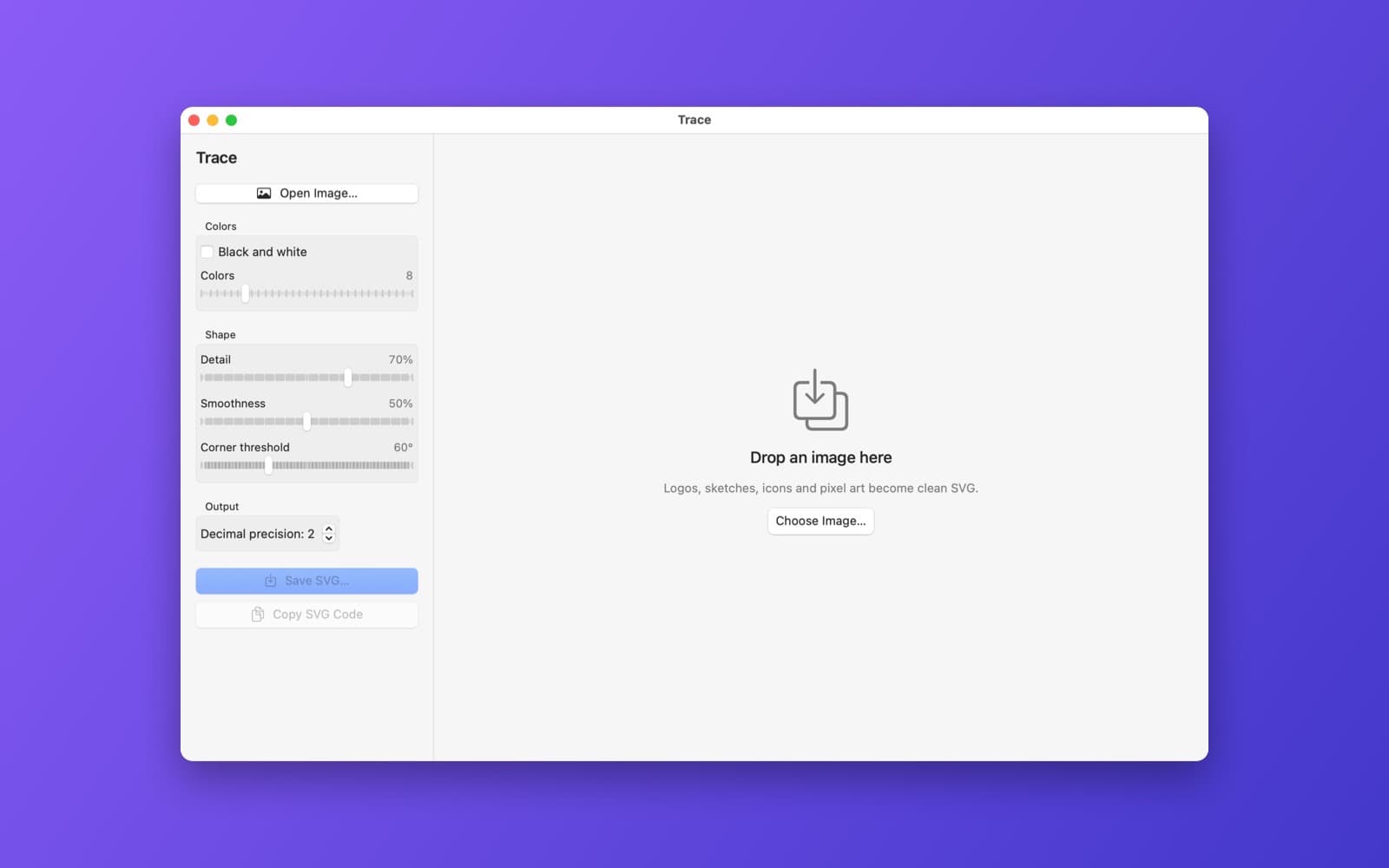
- Drop an image. Colours are reduced with k-means (2 to 32, or black and white).
- Written in Swift. Contours are traced with marching squares, simplified with Ramer-Douglas-Peucker and fitted with Bezier curves.
- Controls for colour count, detail, smoothness and corner threshold.
- Split view with the original on one side and the traced SVG on the other, file sizes for both, and buttons to save the .svg or copy the code.
Notes
It works best on logos, icons and flat artwork. Photos turn into many layers and large files.
Information
- Developer
- SiliconDevKit (generated by AI from a prompt)
- Category
- Photo
- Compatibility
- macOS 13 or later, Apple silicon. Apple silicon Macs only (M1 or later), not Intel
- Size
- 401 KB (.dmg)
- Version
- 1.0
- Price
- Free
- Signing
- Ad-hoc signed, not notarized
The prompt behind it
This app was generated from the prompt below. Paste it into SiliconDevKit to build your own version, then change it however you like.
Build a macOS app called Trace that converts raster images (logos, hand-drawn sketches, icons, pixel art) into SVG vector files. Drop an image onto the window. Write the tracer in Swift: reduce the colors with k-means (a color count slider from 2 to 32, plus a Black and white mode), trace each color layer into closed contours with marching squares, simplify them with the Ramer-Douglas-Peucker algorithm and fit smooth Bezier curves, and write layered paths into an SVG with a configurable decimal precision (this replaces an SVG optimizer). Controls: color count, detail (speckle filter), smoothness and a corner threshold. Show a split-view comparison slider with the original on one side and the traced SVG on the other (render the SVG with WKWebView), the file size of both, and buttons to save the .svg and copy the SVG code. Everything runs locally.
Opening it for the first time
- Open the .dmg and drag Trace onto the Applications folder.
- Open it from Applications. macOS may say it can’t check the app for malicious software. Click Done.
- Open System Settings → Privacy & Security and click Open Anyway. This is needed once. Why this happens. To share an app without the warning, see how to notarize it.


