
Productivity
Docket
Turn invoices and receipts into structured data, offline.
Get for Mac.dmg · 1.5 MB · or download .zip
- Category
- Productivity
- Requires
- macOS 13+
- Size
- 1.5 MB
- Price
- Free
Preview
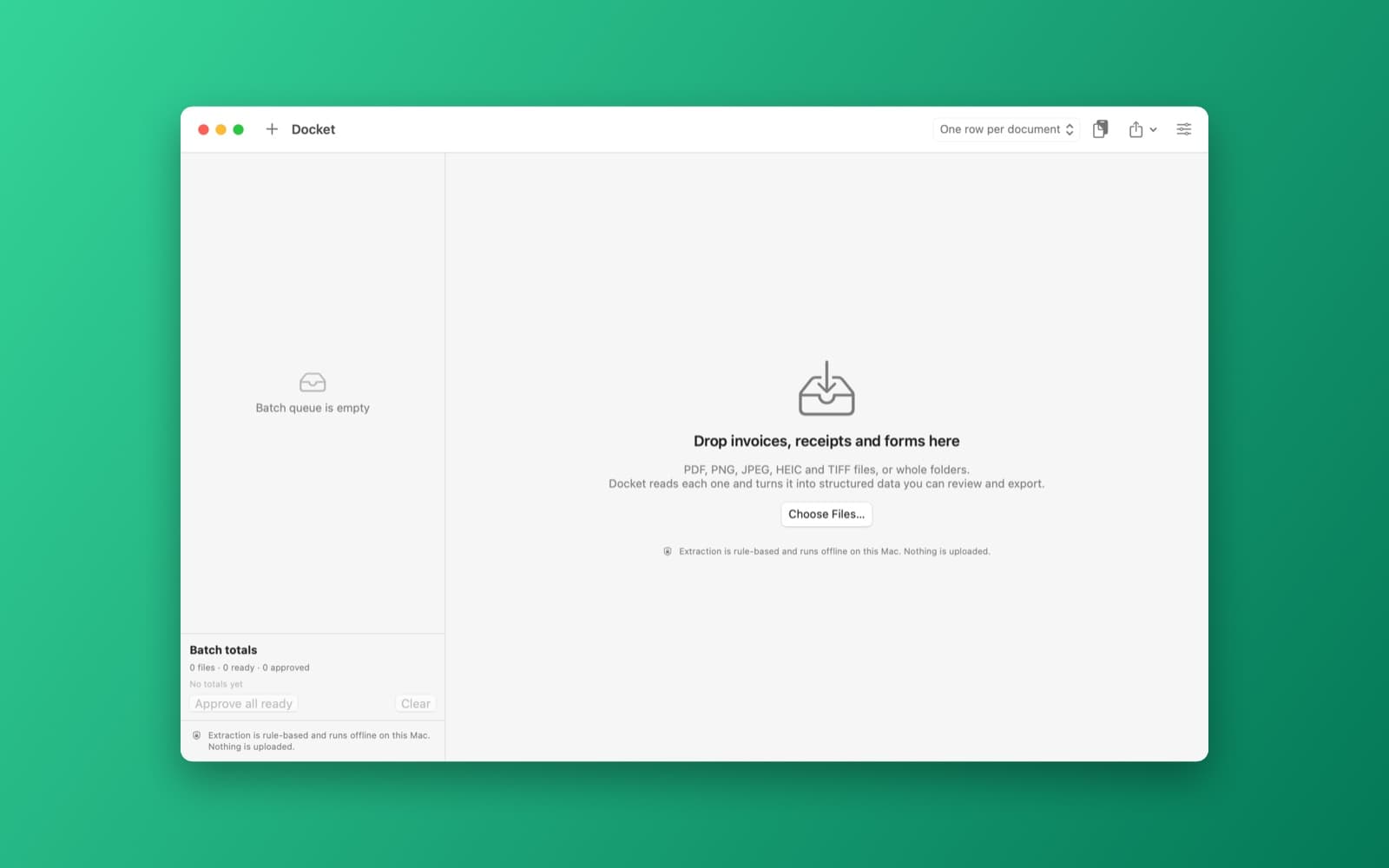
About Docket
Turn invoices and receipts into structured data, offline.
What it does
- Batch queue. Drop PDFs, images or folders and Docket reads each one with PDFKit text or Vision text recognition.
- Rule-based extraction. Vendor, number, dates, totals and line items, with a confidence badge per field and your own custom fields.
- Review and export. Approve a batch quickly, then export CSV, JSON or Excel, or copy as TSV.
Notes
Extraction is rule-based, not an AI model, so accuracy varies with the document layout. Everything runs offline. This demo was compiled and launched; extraction has not been tested on real invoices.
Information
- Developer
- SiliconDevKit (generated by AI from a prompt)
- Category
- Productivity
- Compatibility
- macOS 13 or later, Apple silicon. Apple silicon Macs only (M1 or later), not Intel
- Size
- 1.5 MB (.dmg)
- Version
- 1.0
- Price
- Free
- Signing
- Ad-hoc signed, not notarized
The prompt behind it
This app was generated from the prompt below. Paste it into SiliconDevKit to build your own version, then change it however you like.
Build a macOS app called Docket that turns invoices, receipts and forms into structured data, all on this Mac. Drag and drop PDFs and images (PNG, JPEG, HEIC, TIFF) or whole folders onto the window to build a batch queue with a status and a progress bar per file. Read each file locally: PDFKit text for digital PDFs, and the Vision framework (VNRecognizeTextRequest, accurate level) for scans and images, rendering PDF pages to images when needed. Extract the fields with rules written in Swift that use NSDataDetector, NaturalLanguage and regular expressions: vendor name, invoice or receipt number, date, due date, currency, subtotal, tax, total, and line items (description, quantity, unit price, amount) found by grouping the recognized text boxes into table rows. Show a split review screen: the document on the left with the detected fields outlined, and on the right an editable form and line-item table with a confidence badge per field (low-confidence ones in orange), plus Next and Previous buttons so a person can approve a whole batch quickly. Let the user add custom fields, each with a name and a regular expression or a keyword to look for, saved as JSON. Export the approved documents as CSV (one row per document, or one row per line item), JSON, and Excel (.xlsx, written as SpreadsheetML inside a zip created with /usr/bin/zip), and add a Copy as TSV button for pasting into a spreadsheet. Show batch totals and flag likely duplicates (same vendor, number and total). Say in the UI that extraction is rule-based and runs offline, and that nothing is uploaded.
Opening it for the first time
- Open the .dmg and drag Docket onto the Applications folder.
- Open it from Applications. macOS may say it can’t check the app for malicious software. Click Done.
- Open System Settings → Privacy & Security and click Open Anyway. This is needed once. Why this happens. To share an app without the warning, see how to notarize it.


