
Photo
Vanish
Paint over something in a photo and it disappears.
Get for Mac.dmg · 382 KB · or download .zip
- Category
- Photo
- Requires
- macOS 13+
- Size
- 382 KB
- Price
- Free
Preview
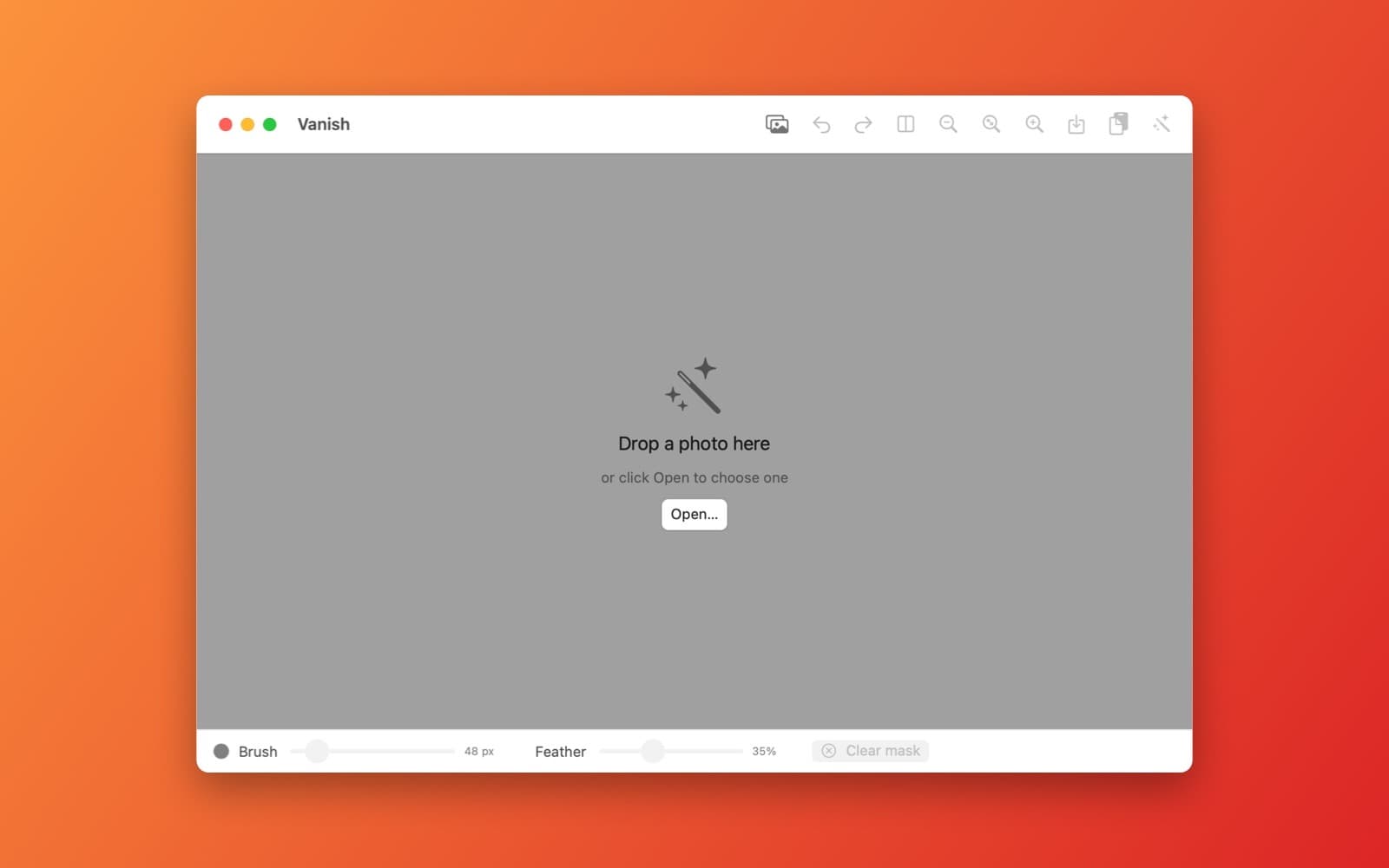
About Vanish
Vanish is a magic eraser: paint over something in a photo and it disappears.
What it does
- Paint a mask. Brush size and feather sliders, undo and redo, zoom with a pinch.
- Fill from the surroundings. A diffusion fill for small areas and patch-based texture copying for larger ones, written in Swift.
- Compare before and after, run several passes, then save a PNG or copy to the clipboard.
Notes
This is a classic inpainting algorithm, not an AI model. It works well on small objects over simple backgrounds and leaves visible smudges on large or detailed areas.
Information
- Developer
- SiliconDevKit (generated by AI from a prompt)
- Category
- Photo
- Compatibility
- macOS 13 or later, Apple silicon. Apple silicon Macs only (M1 or later), not Intel
- Size
- 382 KB (.dmg)
- Version
- 1.0
- Price
- Free
- Signing
- Ad-hoc signed, not notarized
The prompt behind it
This app was generated from the prompt below. Paste it into SiliconDevKit to build your own version, then change it however you like.
Build a macOS app called Vanish, a magic eraser for photos. Open an image by drag and drop or the Open button. Show it on a canvas with a second transparent layer where the user paints a mask with a round brush: a brush size slider, a feather slider, undo and redo (Cmd+Z and Shift+Cmd+Z), zoom with a pinch and a Clear mask button. An Erase button removes the masked pixels and fills them from the surrounding image using an inpainting algorithm written in Swift with Accelerate (a fast diffusion fill for small areas, plus patch-based texture copying from nearby pixels for larger ones), run on a background queue with a progress indicator. Show a before and after comparison, support several erase passes in a row, and add Save as PNG and Copy to clipboard buttons. Everything runs locally.
Opening it for the first time
- Open the .dmg and drag Vanish onto the Applications folder.
- Open it from Applications. macOS may say it can’t check the app for malicious software. Click Done.
- Open System Settings → Privacy & Security and click Open Anyway. This is needed once. Why this happens. To share an app without the warning, see how to notarize it.


