
Media
Torrent Cinema
Cinema with sturdier torrent search and one-click streaming in the built-in player.
- Category
- Media
- Requires
- macOS 13+
- Size
- 1.2 MB
- Price
- Free
Preview
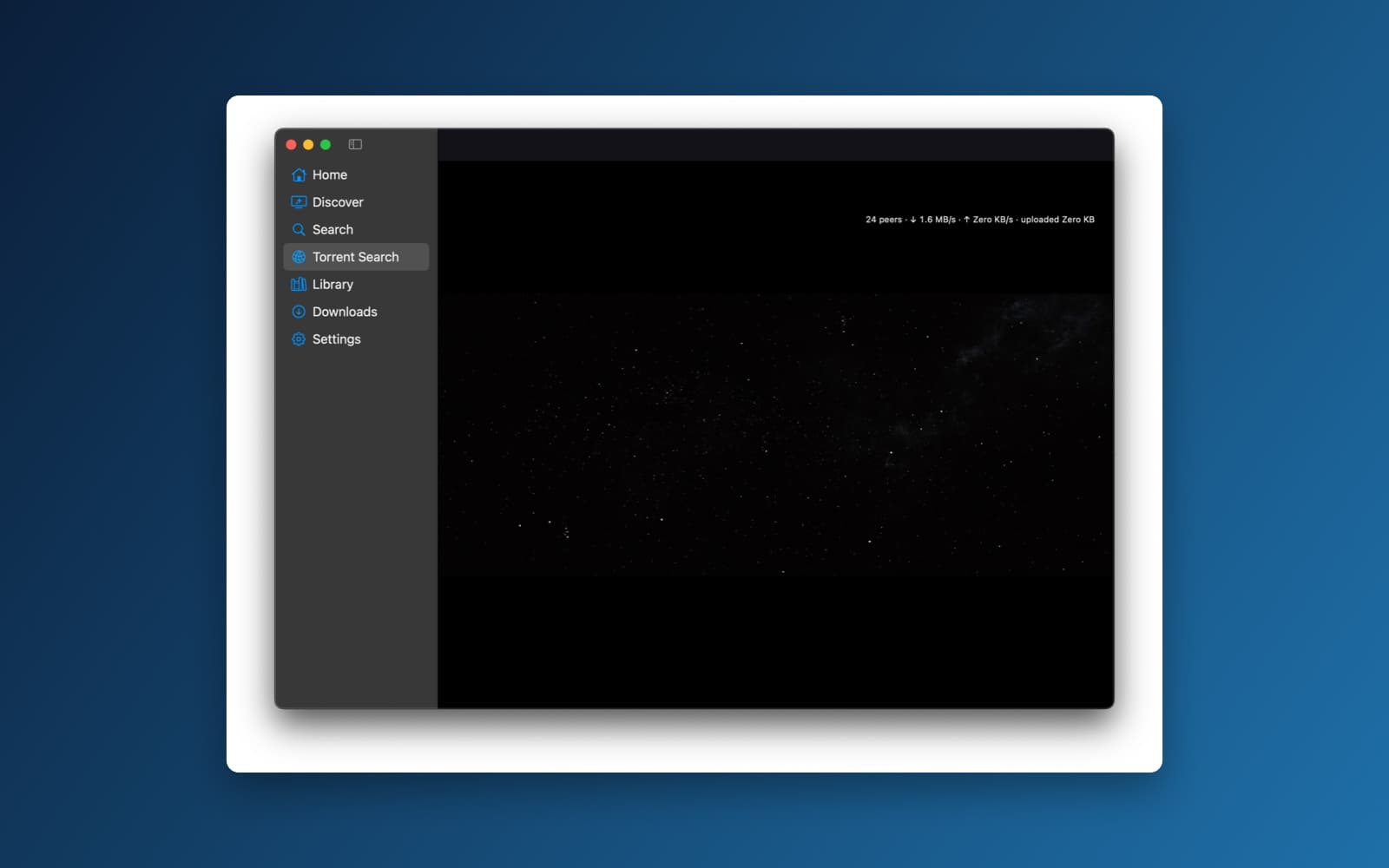
About Torrent Cinema
Torrent Cinema is the Cinema app with two changes: its torrent search no longer breaks when one source's address goes down, and a Play button on each result starts streaming it straight away. It still searches the Internet Archive's public catalog and plays those films too.
What it does
- One-click Play. Each Torrent Search result has a Play button. Press it and the video opens in the built-in player while the torrent is still downloading. The screen shows what it is doing (connecting to peers, fetching details, buffering) and has a Cancel button. A running stream shows its peer count and download and upload speed.
- Picks the right file. It chooses the main video in the torrent, skips samples and extras, and loads subtitle files it finds. If a torrent has several large videos, it asks which one to play.
- Sources that survive outages. Each search source has an address you can edit in Settings, with backup addresses it switches to if the first one fails. A Test Connection button checks a source, and a source that is down shows a plain message while the others still show results.
- Still has the rest of Cinema. Home, Discover, Search of the Internet Archive, Library, Downloads and Settings, with the film pages and license links.
Notes
Torrent Cinema hosts no video and only lists what the sources it searches return. Streaming depends on how many people are sharing a torrent, and while you watch, the app also uploads pieces to other people, so check the upload settings. Search sources go down or change their addresses often. Use it only for content you have the right to watch, such as public-domain films, and see the copyright page for takedown requests.
Information
- Developer
- SiliconDevKit (generated by AI from a prompt)
- Category
- Media
- Compatibility
- macOS 13 or later, Apple silicon. Apple silicon Macs only (M1 or later), not Intel
- Size
- 1.2 MB (.dmg)
- Latest version
- 1.0.1
- Price
- Free
- Signing
- Ad-hoc signed, not notarized
The prompt behind it
This app was generated from the prompt below. Paste it into SiliconDevKit to build your own version, then change it however you like.
FOLLOW-UP: Two changes to the existing streaming cinema app. Keep the current architecture, provider adapters, torrent engine, player, and UI. Modify and extend them; do not rewrite. ## 1) FIX: "A server with the specified hostname could not be found" (YTS provider) That error is a DNS failure: the provider's hardcoded domain no longer resolves. Fix the root cause, not just the string: * Remove hardcoded base URLs from all provider adapters. Each provider gets a user-editable Base URL in Settings → Providers, stored in SettingsStore and validated as http(s) with a host. Keep each adapter's existing API paths and query parameters; only the host changes. * Support an ordered list of mirror URLs per provider. On DNS failure, connection refused, TLS error, timeout, or a non-JSON response, automatically try the next mirror and remember the last working one. * Add a "Test Connection" button per provider showing reachability, response time, and whether the response parses as the expected API format. * Detect HTML or challenge pages (Cloudflare and similar) returned in place of JSON, and report "Provider returned a web page instead of API data" rather than a decode error. * Make sure ATS/network settings allow the configured scheme. Prefer HTTPS. * Per-provider error banners in Torrent Search must be human-readable ("YTS unreachable at <host>. Check the address in Settings → Providers") with a Settings shortcut, while the other providers' results still display. * After the fix, confirm the provider loads with the URL I enter in Settings, and that a dead mirror fails over cleanly. ## 2) ADD: One-click Play from Torrent Search Add a Play button as the first (leftmost) column of every Torrent Search result row (SF Symbol play.fill, accent-colored, with hover state and a tooltip "Stream now"). Clicking it streams the torrent in the built-in player with no further steps. Double-clicking a row and pressing Return on a selected row do the same. Flow (implement in PlaybackCoordinator, reusing TorrentEngine, StreamBuffer, LocalStreamServer): 1. Start or reuse a TorrentSession for the magnet/torrent. If the same info hash is already active, attach to it rather than adding it again. 2. Open the player window immediately with a loading overlay showing real stages: Connecting to peers → Fetching metadata → Selecting file → Buffering X% (show peers, download speed) and a Cancel button. 3. Auto-select the video file: filter by video extensions (mkv, mp4, m4v, avi, mov, webm, ts). Exclude files whose names or paths contain sample, trailer, or extras, or that are under 10% of the largest file. Pick the largest remaining file. If several large video files remain (episodes or parts), show a quick picker sorted naturally by name. 4. Set all other files to priority 0, except subtitle files (.srt, .vtt, .ass, .ssa, .sub), which download fully and load into the player automatically. 5. Sequential streaming: set piece deadlines for the opening window, and also prioritize the final pieces of the file so MP4 moov atoms and MKV cues/index are available. Start playback once the opening window and tail pieces are present, not after an arbitrary percentage. 6. Hand the player the loopback-only local HTTP stream URL with range support. 7. On seek, reprioritize pieces around the new position. On underrun, pause with a buffering spinner and resume automatically. Quality variants: if a provider result offers multiple qualities for one title (e.g. 720p/1080p/2160p), Play uses a "Preferred streaming quality" setting (default 1080p, falling back to the nearest available). Attach a small dropdown arrow to the Play button to choose another quality. Row states: the Play button becomes a spinner while starting, a "now playing" indicator while active, and a retry icon on failure. Errors (friendly message + log): * 0 seeders: warn before starting, with a "Try anyway" option. * No metadata after 60s: show a timeout message with Retry and Cancel. * No playable video file found. * Unsupported codec: try mpv's fallbacks first. * Disk space too low for the cache. * Stream stalls with no peers. Cancel or close player: stop the session and clean the cache per the existing "keep after playback" and seeding settings. Upload/seeding activity must be visible in the player overlay and Downloads screen, and controllable (upload rate limit, stop-seeding-on-close). Also wire the existing mini-player and Continue Watching so a torrent stream started from Torrent Search resumes at the last position when played again. ## ARCHITECTURE Add or modify: ProviderEndpointConfig (base URL + mirror list per provider), ProviderHealthChecker, adapter updates for configurable hosts, a TorrentResultRow Play column, PlaybackCoordinator.playFromSearchResult(_:quality:), VideoFileSelector (sample/extras filtering + natural sort), and tail-piece prioritization in StreamBuffer. ## TESTS * Unit tests: mirror failover, HTML-instead-of-JSON detection, URL validation, VideoFileSelector (samples, extras, multi-episode), quality fallback. * End-to-end with known legally distributable test torrents (e.g. public-domain films or Blender open movies): Play from a result → metadata → playback before completion → seek → underrun recovery → cancel → replay resumes position. * Multi-file torrent picker, subtitle auto-load, provider down while others succeed. Compile, run the tests, and verify both fixes work in the built .app before finishing.
What it cost
The cost of this demo was not recorded in our usage log. Demos built through the live build system show every run with its tokens and cost.
Version tree
Every change to this app is a new version. Use any build as a template to start your own copy from it; forks that their makers shared appear as branches.
Version 1.0.1Oct 9, 2026
FOLLOW-UP: Two changes to the existing streaming cinema app. Keep the current architecture, provider adapters, torrent engine, player, and UI. Modify and extend them; do not rewrite. ## 1) FIX: "A server with the specified hostname could not be found" (YTS provider) That error is a DNS failure: the provider's hardcoded domain no longer resolves. Fix the root cause, not just the string: * Remove hardcoded base URLs from all provider adapters. Each provider gets a user-editable Base URL in Settings → Providers, stored in SettingsStore and validated as http(s) with a host. Keep each adapter's existing API paths and query parameters; only the host changes. * Support an ordered list of mirror URLs per provider. On DNS failure, connection refused, TLS error, timeout, or a non-JSON response, automatically try the next mirror and remember the last working one. * Add a "Test Connection" button per provider showing reachability, response time, and whether the response parses as the expected API format. * Detect HTML or challenge pages (Cloudflare and similar) returned in place of JSON, and report "Provider returned a web page instead of API data" rather than a decode error. * Make sure ATS/network settings allow the configured scheme. Prefer HTTPS. * Per-provider error banners in Torrent Search must be human-readable ("YTS unreachable at <host>. Check the address in Settings → Providers") with a Settings shortcut, while the other providers' results still display. * After the fix, confirm the provider loads with the URL I enter in Settings, and that a dead mirror fails over cleanly. ## 2) ADD: One-click Play from Torrent Search Add a Play button as the first (leftmost) column of every Torrent Search result row (SF Symbol play.fill, accent-colored, with hover state and a tooltip "Stream now"). Clicking it streams the torrent in the built-in player with no further steps. Double-clicking a row and pressing Return on a selected row do the same. Flow (implement in PlaybackCoordinator, reusing TorrentEngine, StreamBuffer, LocalStreamServer): 1. Start or reuse a TorrentSession for the magnet/torrent. If the same info hash is already active, attach to it rather than adding it again. 2. Open the player window immediately with a loading overlay showing real stages: Connecting to peers → Fetching metadata → Selecting file → Buffering X% (show peers, download speed) and a Cancel button. 3. Auto-select the video file: filter by video extensions (mkv, mp4, m4v, avi, mov, webm, ts). Exclude files whose names or paths contain sample, trailer, or extras, or that are under 10% of the largest file. Pick the largest remaining file. If several large video files remain (episodes or parts), show a quick picker sorted naturally by name. 4. Set all other files to priority 0, except subtitle files (.srt, .vtt, .ass, .ssa, .sub), which download fully and load into the player automatically. 5. Sequential streaming: set piece deadlines for the opening window, and also prioritize the final pieces of the file so MP4 moov atoms and MKV cues/index are available. Start playback once the opening window and tail pieces are present, not after an arbitrary percentage. 6. Hand the player the loopback-only local HTTP stream URL with range support. 7. On seek, reprioritize pieces around the new position. On underrun, pause with a buffering spinner and resume automatically. Quality variants: if a provider result offers multiple qualities for one title (e.g. 720p/1080p/2160p), Play uses a "Preferred streaming quality" setting (default 1080p, falling back to the nearest available). Attach a small dropdown arrow to the Play button to choose another quality. Row states: the Play button becomes a spinner while starting, a "now playing" indicator while active, and a retry icon on failure. Errors (friendly message + log): * 0 seeders: warn before starting, with a "Try anyway" option. * No metadata after 60s: show a timeout message with Retry and Cancel. * No playable video file found. * Unsupported codec: try mpv's fallbacks first. * Disk space too low for the cache. * Stream stalls with no peers. Cancel or close player: stop the session and clean the cache per the existing "keep after playback" and seeding settings. Upload/seeding activity must be visible in the player overlay and Downloads screen, and controllable (upload rate limit, stop-seeding-on-close). Also wire the existing mini-player and Continue Watching so a torrent stream started from Torrent Search resumes at the last position when played again. ## ARCHITECTURE Add or modify: ProviderEndpointConfig (base URL + mirror list per provider), ProviderHealthChecker, adapter updates for configurable hosts, a TorrentResultRow Play column, PlaybackCoordinator.playFromSearchResult(_:quality:), VideoFileSelector (sample/extras filtering + natural sort), and tail-piece prioritization in StreamBuffer. ## TESTS * Unit tests: mirror failover, HTML-instead-of-JSON detection, URL validation, VideoFileSelector (samples, extras, multi-episode), quality fallback. * End-to-end with known legally distributable test torrents (e.g. public-domain films or Blender open movies): Play from a result → metadata → playback before completion → seek → underrun recovery → cancel → replay resumes position. * Multi-file torrent picker, subtitle auto-load, provider down while others succeed. Compile, run the tests, and verify both fixes work in the built .app before finishing.
A dark streaming-style app for Archive.org public films, multi-provider torrent search with failover mirrors, and one-click torrent streaming in a built-in player.
Opening it for the first time
- Open the .dmg and drag Torrent Cinema onto the Applications folder.
- Open it from Applications. macOS may say it can’t check the app for malicious software. Click Done.
- Open System Settings → Privacy & Security and click Open Anyway. This is needed once. Why this happens. To share an app without the warning, see how to notarize it.
You might also like
 Get
GetPlayTube
Paste a video link and watch it in a clean player, with no ads.
 Get
GetAdMute
Listens to your Mac's audio and mutes the ads, then brings the sound back.
 Get
GetToob-Downer
Paste a video link and save the video to your Mac, with a queue to keep track.
 Get
GetAgent Swarm
Send one task to Claude, Gemini and Hermes at once.