
Audio
Stem Studio
Split a song into vocals, drums, bass and the rest.
Get for Mac.dmg · 391 KB · or download .zip
- Category
- Audio
- Requires
- macOS 13+
- Size
- 391 KB
- Price
- Free
Preview
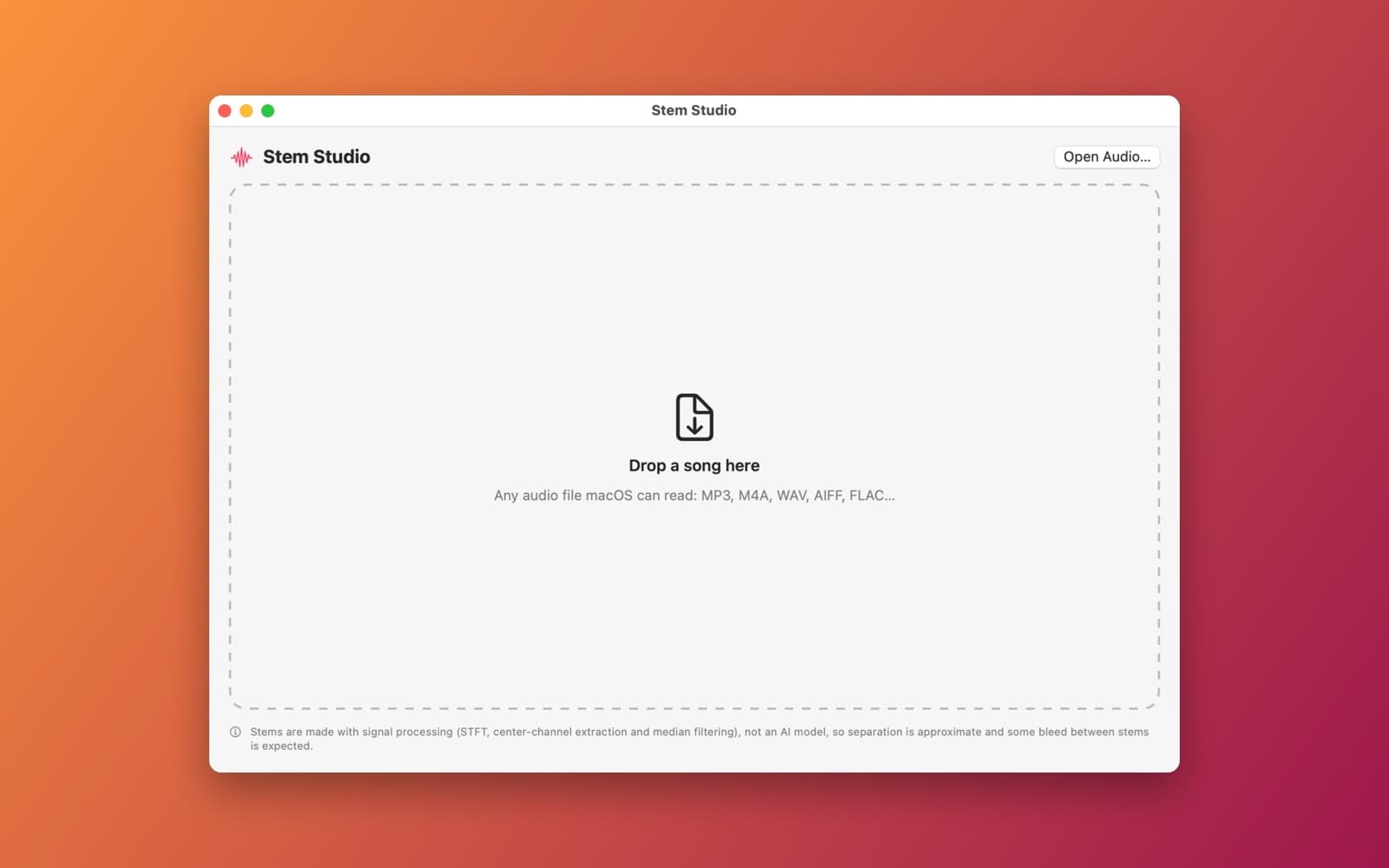
About Stem Studio
Stem Studio splits a song into vocals, drums, bass and the rest.
What it does
- Drop a song. Any audio file macOS can read.
- Four stems. Vocals, Drums, Bass and Other, made with a short-time Fourier transform and spectral masks.
- Mixer. A volume fader, Solo and Mute for each stem, a waveform, and a transport bar.
- Karaoke button, and export for each stem or the current mix as .wav.
Notes
This is signal processing, not an AI model, so the separation is approximate and some sound bleeds between stems.
Information
- Developer
- SiliconDevKit (generated by AI from a prompt)
- Category
- Audio
- Compatibility
- macOS 13 or later, Apple silicon. Apple silicon Macs only (M1 or later), not Intel
- Size
- 391 KB (.dmg)
- Version
- 1.0
- Price
- Free
- Signing
- Ad-hoc signed, not notarized
The prompt behind it
This app was generated from the prompt below. Paste it into SiliconDevKit to build your own version, then change it however you like.
Build a macOS app called Stem Studio that splits a song into four approximate stems: Vocals, Drums, Bass and Other. Drop in an audio file (anything AVAudioFile can read). Do the separation locally in Swift with Accelerate (vDSP) and a short-time Fourier transform: take the vocals from the center of the stereo image, split harmonic and percussive content with median filtering across the spectrogram (percussive goes to Drums), and send everything below 150 Hz to Bass, then use soft spectral masks so the four stems add back up to the original. Show a progress bar while it processes. Then show four channel strips, each with a volume fader, Solo and Mute buttons, and a small waveform, played together through AVAudioEngine with one AVAudioMixerNode input per stem so they stay in sync, with a transport bar (play, pause, seek). Add a Karaoke button that mutes vocals, and Export buttons that write each stem, or the current mix, as a .wav file. Say in the UI that this is signal processing, not an AI model, so results are approximate.
Opening it for the first time
- Open the .dmg and drag Stem Studio onto the Applications folder.
- Open it from Applications. macOS may say it can’t check the app for malicious software. Click Done.
- Open System Settings → Privacy & Security and click Open Anyway. This is needed once. Why this happens. To share an app without the warning, see how to notarize it.


