
Productivity
Cluster Notes
Type quick idea cards and watch related ones group together.
Get for Mac.dmg · 468 KB · or download .zip
- Category
- Productivity
- Requires
- macOS 13+
- Size
- 468 KB
- Price
- Free
Preview
About Cluster Notes
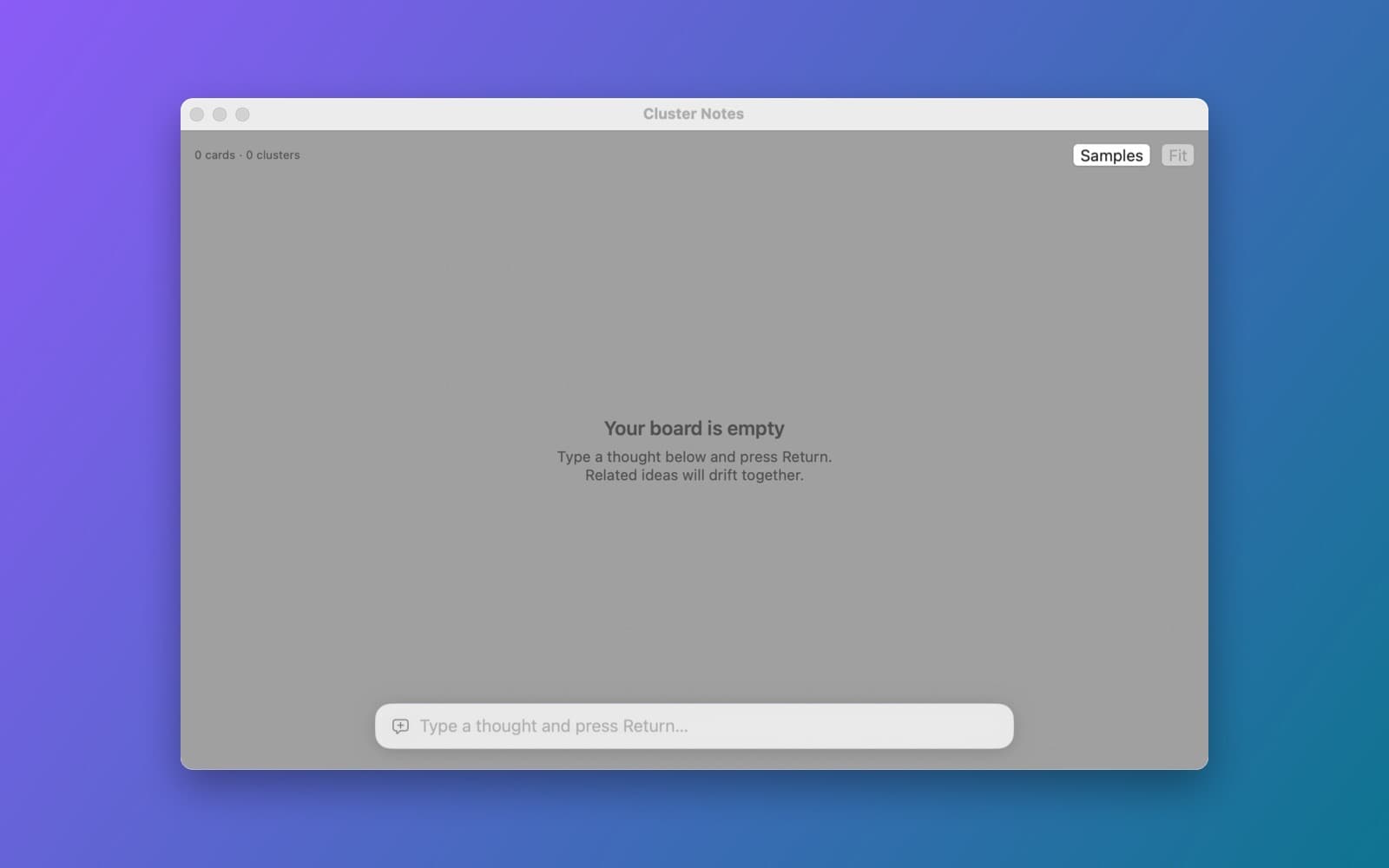
Cluster Notes is a whiteboard where related ideas drift together.
What it does
- Type a thought, press Return, and it becomes a card on an infinite canvas.
- Meaning, not keywords. Each card gets a sentence embedding from Apple's NaturalLanguage framework, and similar cards attract each other.
- Live layout with a force simulation, coloured clusters and a keyword label for each cluster.
- Edit, pin and delete cards. Everything is saved on your Mac.
Notes
The embeddings are Apple's built-in English model, so clustering is rough on short notes or other languages.
Information
- Developer
- SiliconDevKit (generated by AI from a prompt)
- Category
- Productivity
- Compatibility
- macOS 13 or later, Apple silicon. Apple silicon Macs only (M1 or later), not Intel
- Size
- 468 KB (.dmg)
- Version
- 1.0
- Price
- Free
- Signing
- Ad-hoc signed, not notarized
The prompt behind it
This app was generated from the prompt below. Paste it into SiliconDevKit to build your own version, then change it however you like.
Build a macOS app called Cluster Notes, a spatial whiteboard that groups ideas by meaning. Type a thought in the field at the bottom and press Return to add a sticky card to an infinite canvas (pan by dragging the background, zoom with a pinch or scroll). Compute a sentence embedding for every card on-device with NLEmbedding.sentenceEmbedding(for: .english) from the NaturalLanguage framework (fall back to word vector averaging if it is unavailable). Run a force-directed layout every frame on a background thread using SIMD: cards repel each other, and cards with a high cosine similarity attract each other, so related ideas drift into clusters. Draw the cards and faint link lines for the strongest similarities in a SwiftUI Canvas at 60 fps, color each cluster, and label a cluster with its most frequent keyword. Cards can also be dragged and pinned, edited by double-click, and deleted. Save everything as JSON in Application Support. It should stay smooth with several hundred cards.
Opening it for the first time
- Open the .dmg and drag Cluster Notes onto the Applications folder.
- Open it from Applications. macOS may say it can’t check the app for malicious software. Click Done.
- Open System Settings → Privacy & Security and click Open Anyway. This is needed once. Why this happens. To share an app without the warning, see how to notarize it.


