
Photo
Bokeh Studio
Fake a DSLR lens blur and a 3D parallax on any photo.
Get for Mac.dmg · 410 KB · or download .zip
- Category
- Photo
- Requires
- macOS 13+
- Size
- 410 KB
- Price
- Free
Preview
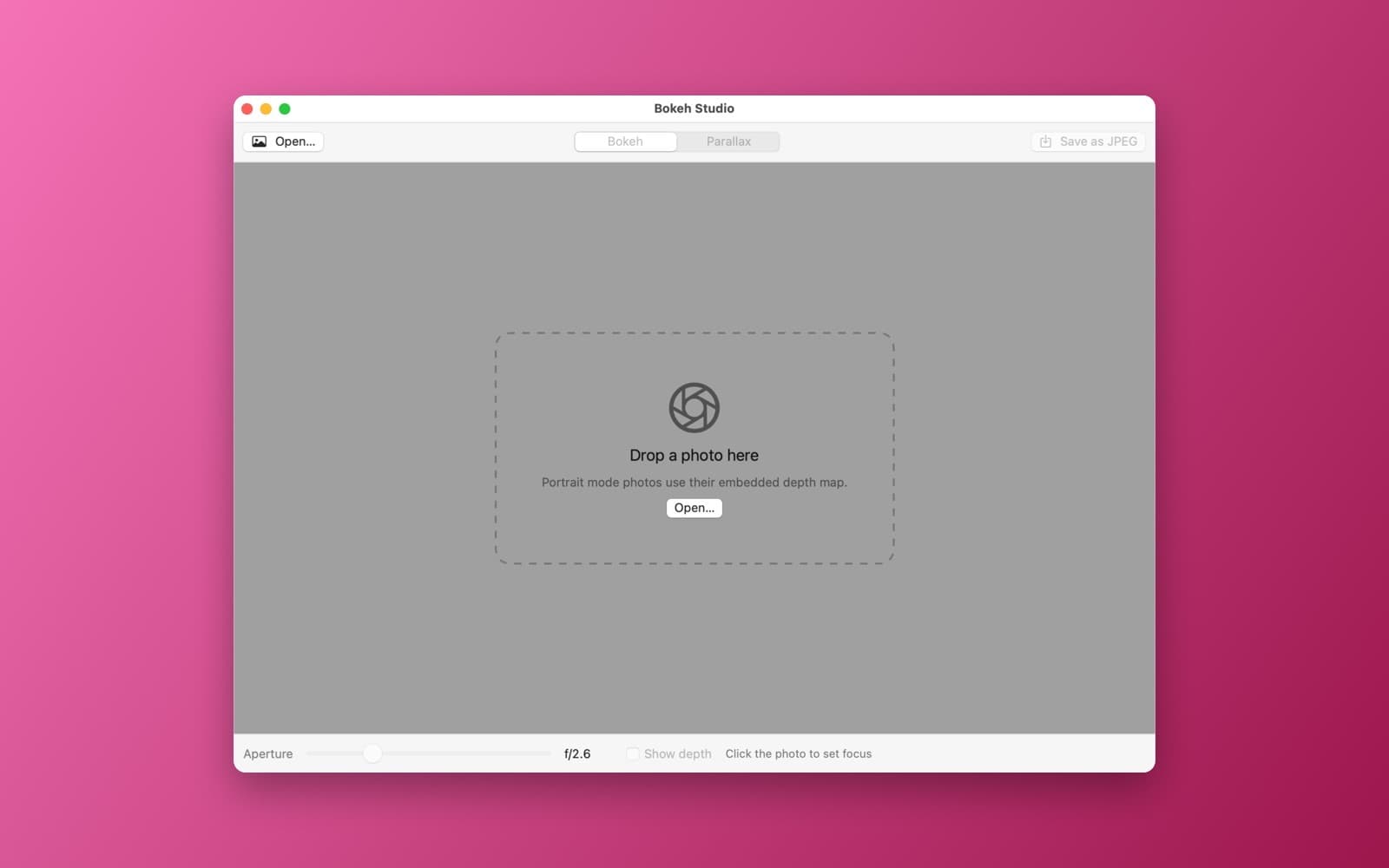
About Bokeh Studio
Bokeh Studio fakes a DSLR lens blur and a 3D parallax from a single photo.
What it does
- Depth from the photo. Uses the depth map embedded in a Portrait mode photo when there is one, and a Vision subject mask otherwise.
- Bokeh mode. An aperture slider and a focus point you click, rendered with Core Image.
- Parallax mode. Foreground and background shift against each other as you move the mouse over the image.
- Save the bokeh result as a JPEG.
Notes
Without a Portrait depth map the depth is an estimate from a subject mask, so it separates a subject from its background but does not know how far away each object is.
Information
- Developer
- SiliconDevKit (generated by AI from a prompt)
- Category
- Photo
- Compatibility
- macOS 13 or later, Apple silicon. Apple silicon Macs only (M1 or later), not Intel
- Size
- 410 KB (.dmg)
- Version
- 1.0
- Price
- Free
- Signing
- Ad-hoc signed, not notarized
The prompt behind it
This app was generated from the prompt below. Paste it into SiliconDevKit to build your own version, then change it however you like.
Build a macOS app called Bokeh Studio. Drop a photo onto the window (or use Open). Build a depth estimate on-device: use the embedded depth or disparity map of a Portrait mode photo when the file has one (read it with ImageIO auxiliary data), otherwise use a Vision subject mask (VNGenerateForegroundInstanceMaskRequest on macOS 14+, VNGeneratePersonSegmentationRequest on macOS 13) blended with a soft vertical gradient. Add two modes. Bokeh: an aperture slider (f/1.4 to f/16) and a focus point you set by clicking the photo, rendering a depth-weighted lens blur with Core Image (CIMaskedVariableBlur or CIDepthBlurEffect). Parallax: the foreground and background layers shift in opposite directions as the mouse moves over the image, for a live 3D look, with a strength slider. Add a Save as JPEG button for the bokeh result.
Opening it for the first time
- Open the .dmg and drag Bokeh Studio onto the Applications folder.
- Open it from Applications. macOS may say it can’t check the app for malicious software. Click Done.
- Open System Settings → Privacy & Security and click Open Anyway. This is needed once. Why this happens. To share an app without the warning, see how to notarize it.


